QR restaurant ordering
Customers scan a table QR code and order directly from their phone browser.
ServeMint Restaurant Ordering is a QR-based dine-in ordering system for Indian restaurants. Customers scan a table QR code, browse the menu, order from their phone without downloading an app, and track their order in real time.
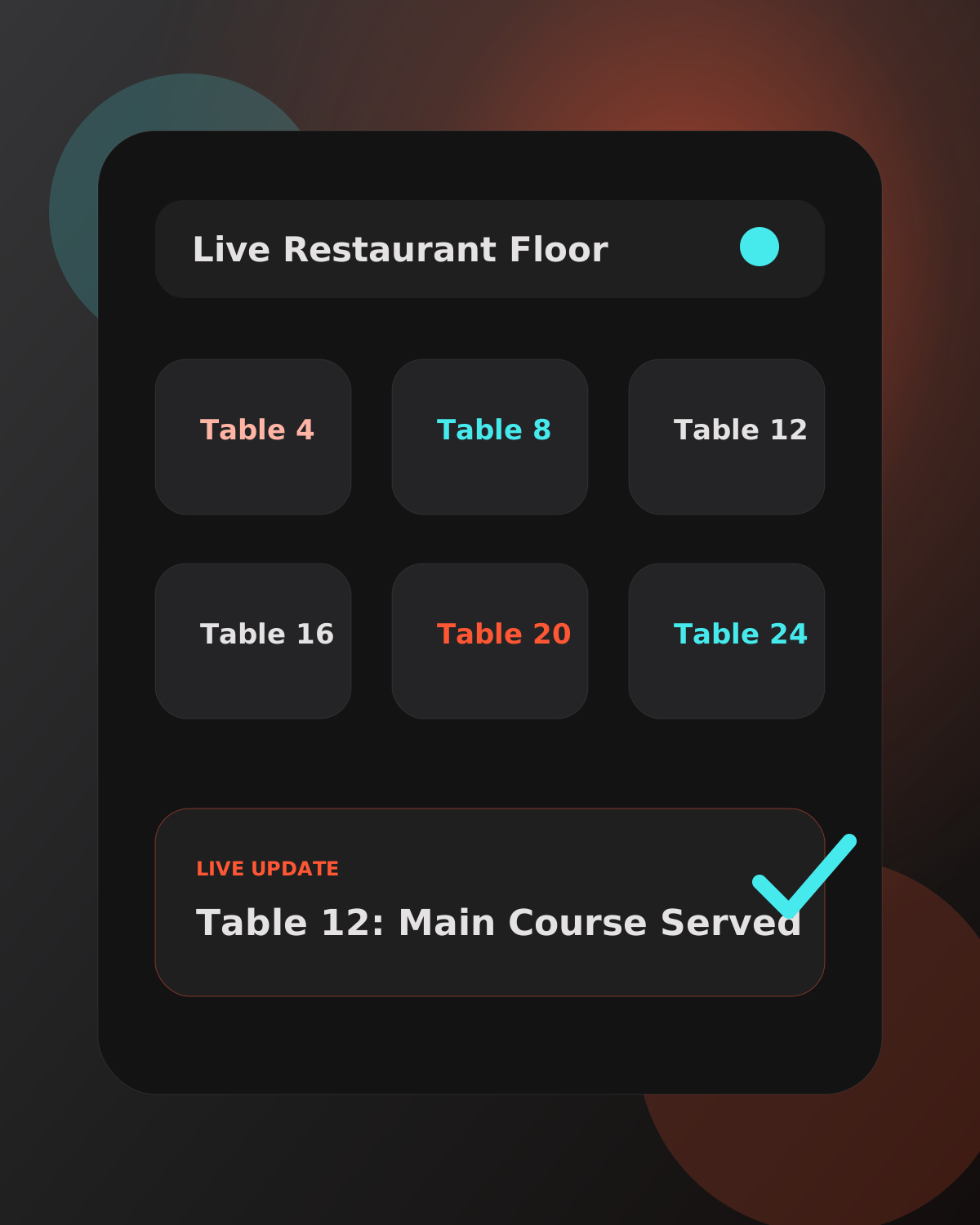
Guests scan the table QR code, browse the live menu, and place orders directly from their phone browser.
New orders first appear for the manager or owner. They can accept the order and send it to the kitchen, or decline it with a clear reason for the customer.
Accepted orders flow to manager, waiter, and kitchen screens with real-time status updates from received to preparing, ready, and served.
Customers can see order status updates on their phone and request waiter, water, napkins, cutlery, or bill without waving for staff.
Customers scan a table QR code and order directly from their phone browser.
Restaurants can manage categories, dish images, prices, descriptions, dietary tags, variations, modifiers, and sold-out items.
Managers and owners review each new order before it reaches kitchen staff.
Kitchen staff see accepted orders with items, quantities, notes, variations, and status controls.
Customers can request waiter, water, bill, napkins, or cutlery from the table.
Managers can preview bills, print bills, mark bills paid, and print KOTs for kitchen work.
Restaurants can track daily stock, low-stock alerts, sold-out items, and automatic stock reset.
Customers can book a table with name, email, phone, date, time, and party size when bookings are enabled.
Owners and managers can view revenue, orders, average order value, top dishes, peak hours, category performance, table performance, and PDF reports.
Owners, managers, waiters, and kitchen staff each get screens focused on their daily work.
Customers can sign in if they want profile and order history, but sign-in never blocks ordering.
Orders, requests, stock, menu availability, and customer tracking update without manual refresh.
Scan the QR code, order food, request service, track status, and book a table without downloading an app.
See service requests and table activity clearly, so they can help the right table faster.
See only accepted orders and move them through preparing, ready, and served stages.
Accept orders, manage menu, inventory, tables, billing, bookings, staff, branding, and reports from one place.
ServeMint Restaurant Ordering is priced at ₹999 per month with a 30-day free trial.
Restaurants can also configure a small one-time table session fee for customers before the first order if they want to use that payment gate.
ServeMint is built for Indian restaurants that need faster table service, better guest experience, lower waiter workload, clearer kitchen communication, and better control over daily operations.
ServeMint is based in Pune, Maharashtra, India and is built for the needs of Indian dine-in restaurants, cafes, hotels, and food businesses.
No. Customers order directly from their mobile browser.
Yes. ServeMint supports billing tools, but restaurants can continue using their current billing process if they prefer.
No special hardware is required by default. ServeMint works on phones, tablets, laptops, and browsers the restaurant already uses.